-
Bookmarklet: QR Code This Page
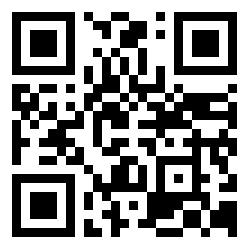 I have noticed myself wanting to pull up a page that I have on my desktop on my phone a lot lately. After doing this quite a few times I figured there had to be a better way. Enter the QR code bookmarklet.
If you aren’t familiar with bookmarklets they are little bits of JavaScript for doing things on the current webpage you are on that you run via a web browser bookmark. I used the excellent bookmarklet builder at subsimple.com to take my JavaScript and turn it into a bookmarklet. For a more in-depth understanding of bookmarklets check out the article on Wikipedia.
When you click on this bookmarklet it will create a QR code using Bit.ly and show it in the top right hand corner of the page. Then use your favorite QR code reader (my Windows Phone has a great one built into the search) and click on the link. You can make the QR code disappear by clicking on it.
To add this bookmarklet drag the link below to your bookmark toolbar. You can try it out to see what it does by just clicking on the link and it will run on this page.
Filed In: BookmarkletsJanuary 18, 2012
